Screening & imaging
The eye photo is taken at the health centre and lands directly in the patient's file.
For Health centres and screening
What changes
From the camera to remote reading to the results landing in your patient records and image archive — one system carries it all.
Third-party AI connects to OunasOS across the workflow, not only screening. Here, it can read photos before the specialist does.
Send a patient on to an ophthalmologist inside the platform — the screening dataset travels with the referral.
Dashboards to follow volumes, reading times and outcomes across the whole screening operation.
On screen
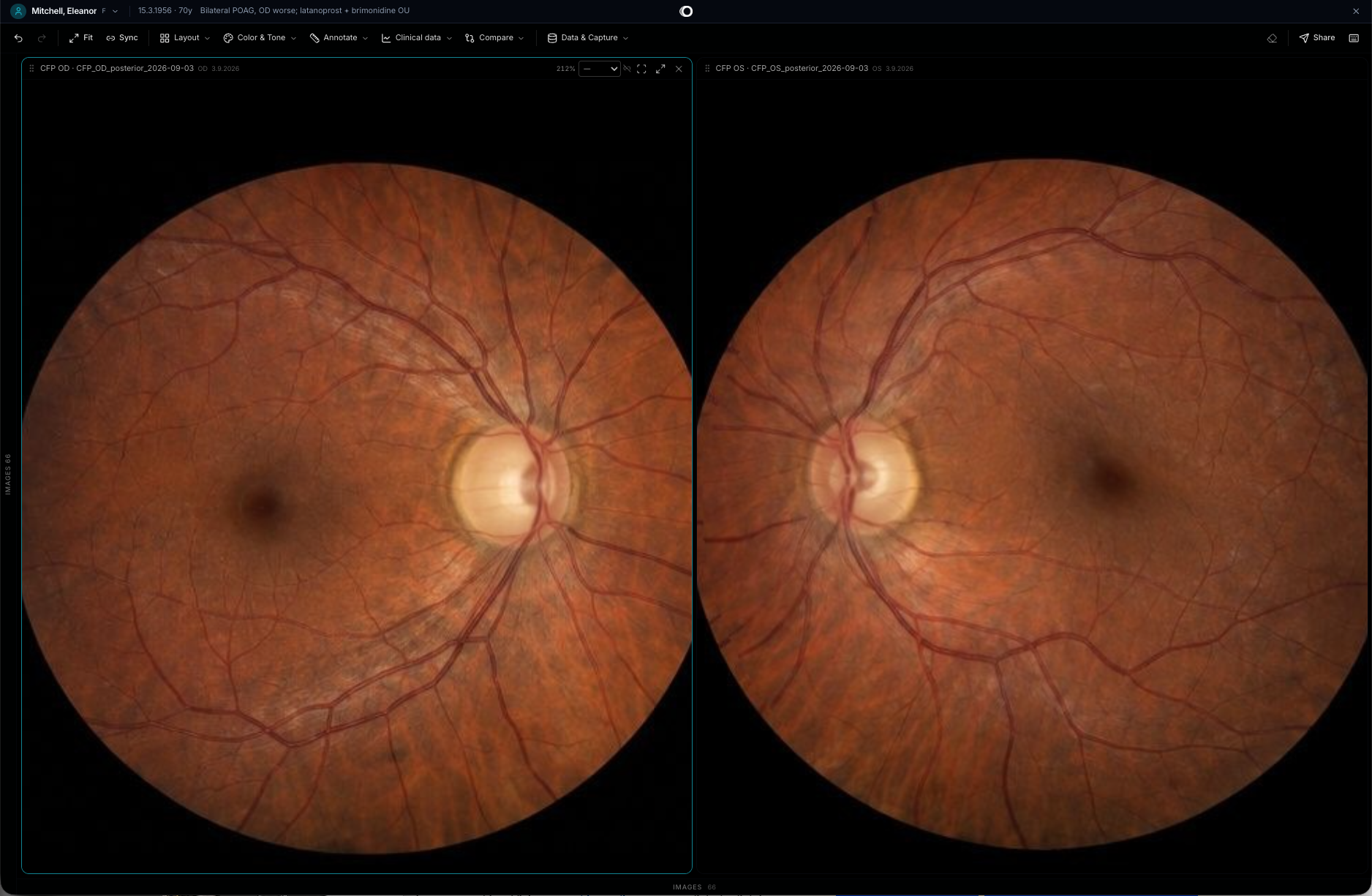
Shown with synthetic data from our own datasets — never real patient or device data.
Who sends what to whom
The eye photo is taken at the health centre and lands directly in the patient's file.
If your region uses one, a third-party AI tool reads the photo first and its result is added to the same file.
The specialist compares it with earlier photos and the AI result, and writes the answer.
The answer returns to the health centre in the same file — no letter, no phone call.
Gets a follow-up date or an all-clear.
The care path
Tell us your sites, machines and partners, and we'll show you what one shared file looks like for you.